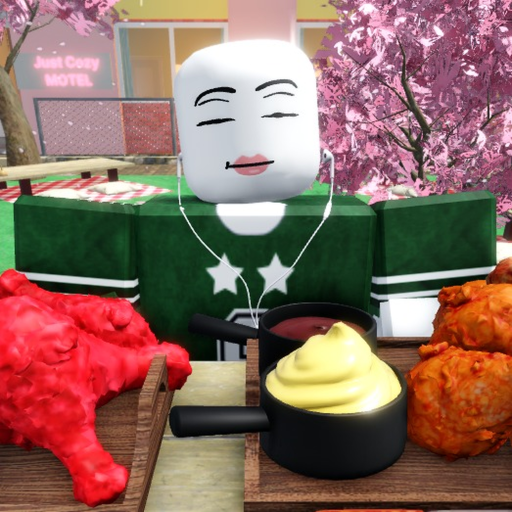
How to Check Events and Passes in Mukbang Game
Guide to separating verified gamepass product text from unverified event claims.
Gamepasses are source-backed through Roblox product data, but no official event calendar is verified. Treat event claims as Needs check.
Events status page
Source checks
Steps
How to Check Events and Passes
- 1
Start with verified passes
Private Rooms, Studio Place, 2x Bites, 2x Cash, Seafood Boil, and 2x Spicy Ramen are verified products.
- 2
Separate pass value from pass existence
A pass can exist while its exact gameplay value still needs live testing.
- 3
Check event status
Use the events page for event calendar and event-code status before sharing a claim.
- 4
Link back to sources
If a claim affects spending or rewards, keep the source note visible.
Common mistakes
Avoid these assumptions
Calling a rumor an event
Wait for creator-owned or in-game confirmation.
Overstating pass value
Describe product text and mark unknown mechanics clearly.
Mixing codes with events
Keep code checks on the codes page.
FAQ
How to Check Events and Passes FAQ
Does Mukbang Game have verified events?
No official event calendar is verified in the current source set.
Are gamepasses verified?
Yes, six gamepasses are verified through Roblox product data.
Can events add new codes?
They can in Roblox games generally, but no Mukbang Game event code is verified right now.
Where should event claims go?
Put them on the events page with a Needs check label until confirmed.
Related guides