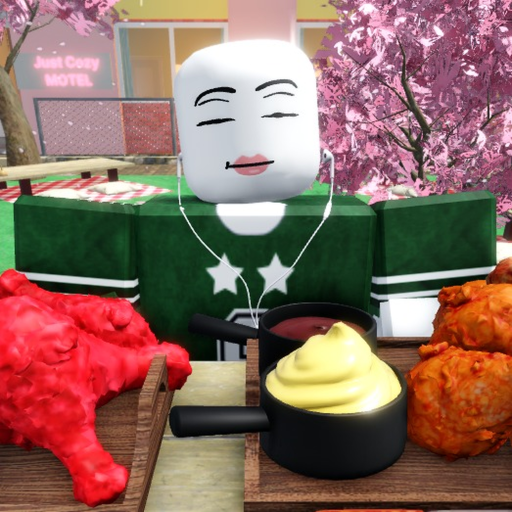
How to Start Mukbang Game in Mukbang Game
First-session guide for joining the official Roblox experience, checking source status, and picking a safe setup.
Start from the official Roblox page, check code and source status, then use a free solo ASMR or public table setup before spending Robux.
Official game page
No paid pass required
Steps
How to Start Mukbang Game
- 1
Open the official experience
Use the Mukbang Game Roblox page so you avoid copycat pages or outdated source links.
- 2
Check current source status
Review Trello, Discord, wiki, and codes status before trusting outside claims.
- 3
Pick a starter setup
Begin with a solo ASMR table or public apartment scene because those do not require paid passes.
- 4
Use the scene planner
Choose solo, collab, food showcase, private room, or Studio Place goals and follow the checklist.
Common mistakes
Avoid these assumptions
Buying before checking
Read the gamepass page first because exact value depends on your recording goal.
Trusting reported codes
Only treat a code as active after it appears in the verified active list.
Looking for combat tiers
Use setup tiers; no combat unit or weapon ranking is verified.
FAQ
How to Start Mukbang Game FAQ
Is Mukbang Game hard to start?
No. The safest start is a free solo or public setup with source checks before any paid feature.
Do beginners need Private Rooms?
No. Private Rooms can help privacy, but free locations should be tested first.
Should beginners use codes first?
Check the codes page, but no active official code is verified right now.
What is the best first guide?
Use the ASMR setup guide if you want a recording-focused first session.
Related guides